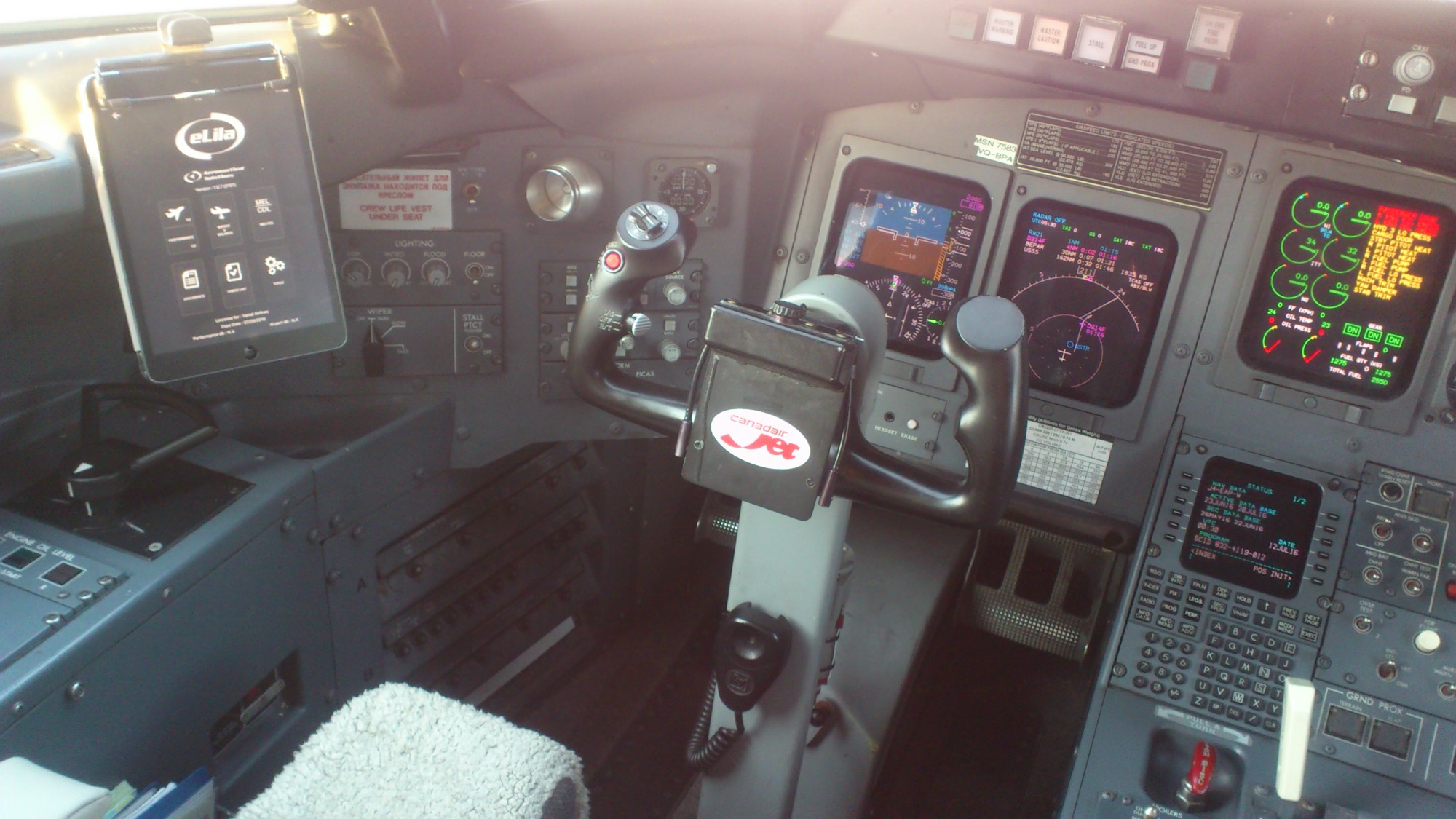
Electronic Flight Bag · iPad
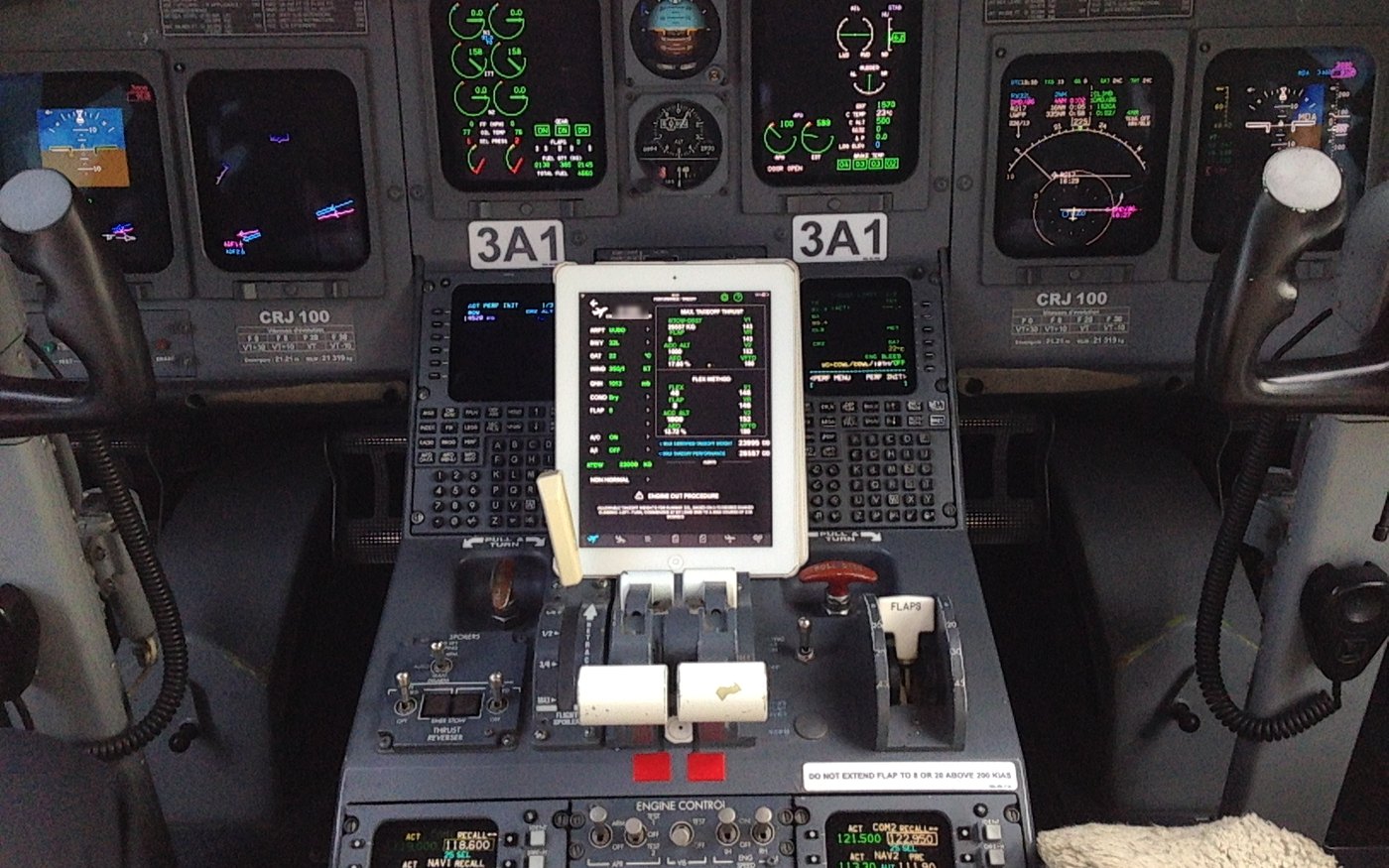
Real-time performance analysis on the iPad: faster and more accurate than paper, with no interpolation. Optimum reduced thrust, weight & balance, and the manuals and checklists the crew used to carry in print — computed on the device, at the gate, with or without a signal.
Current compatibilities
Request a demo today — we would be glad to show you what eLila does on your own aircraft. The full list of types is further down the page.
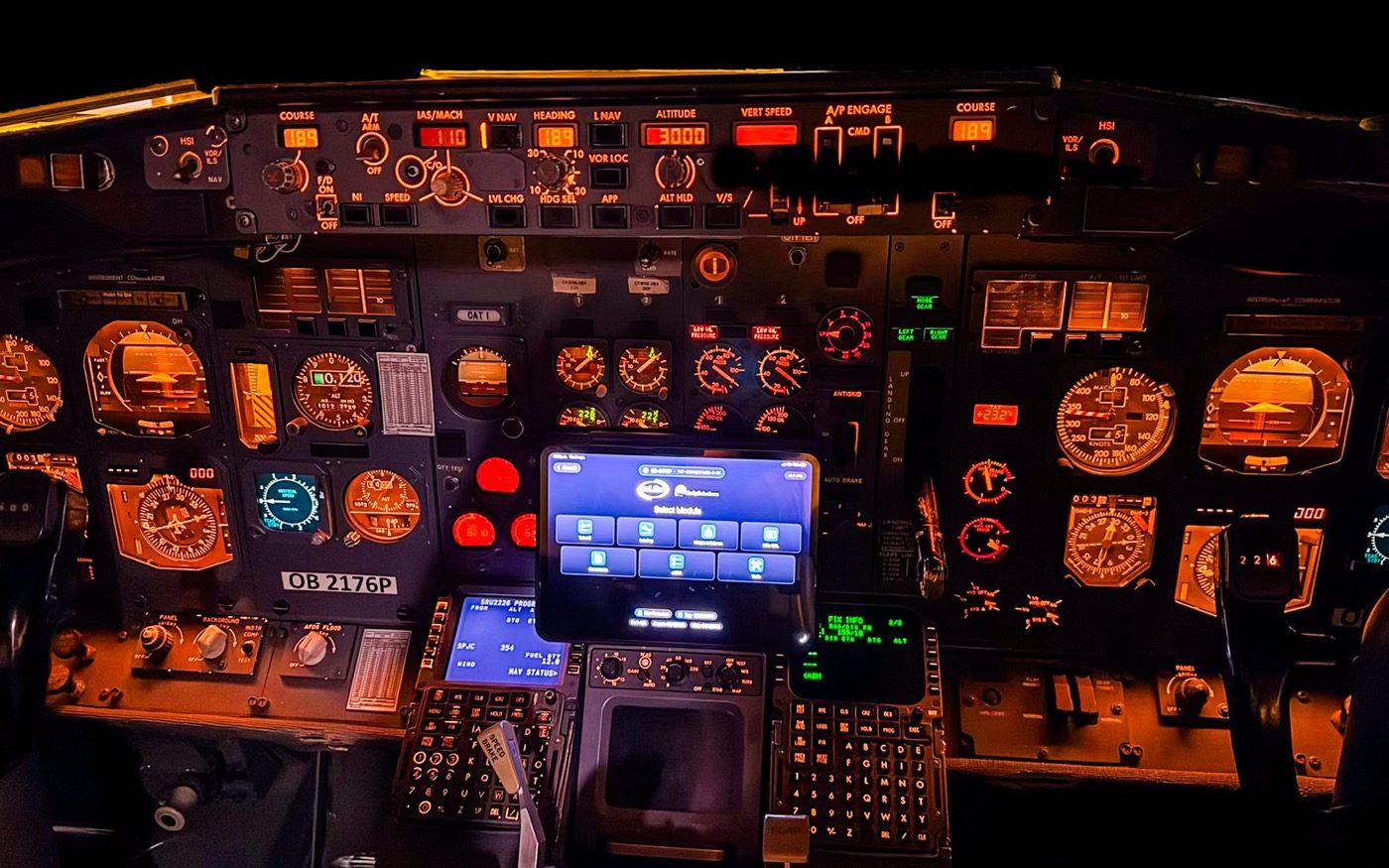
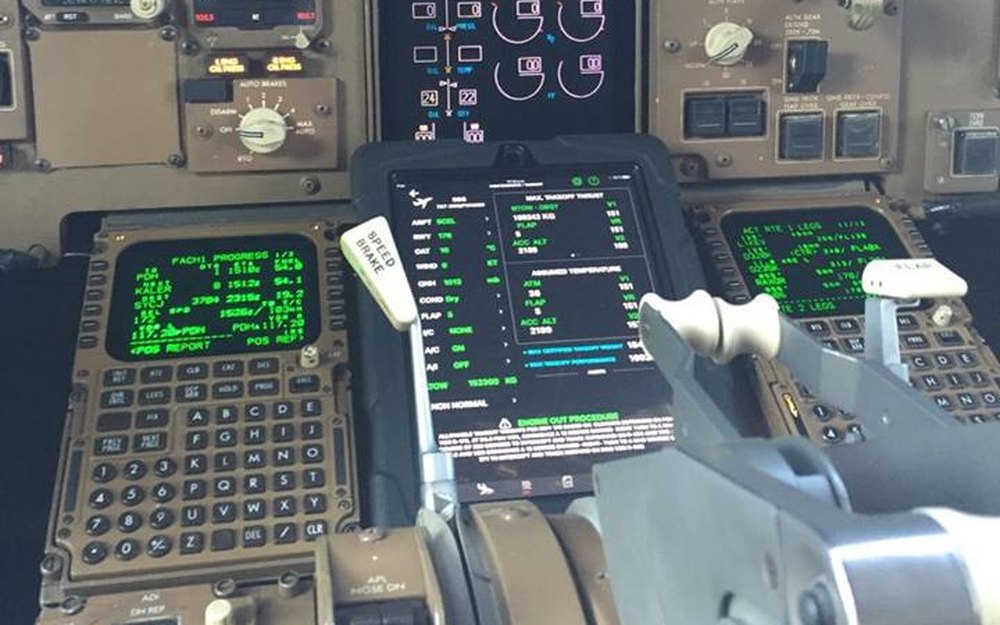
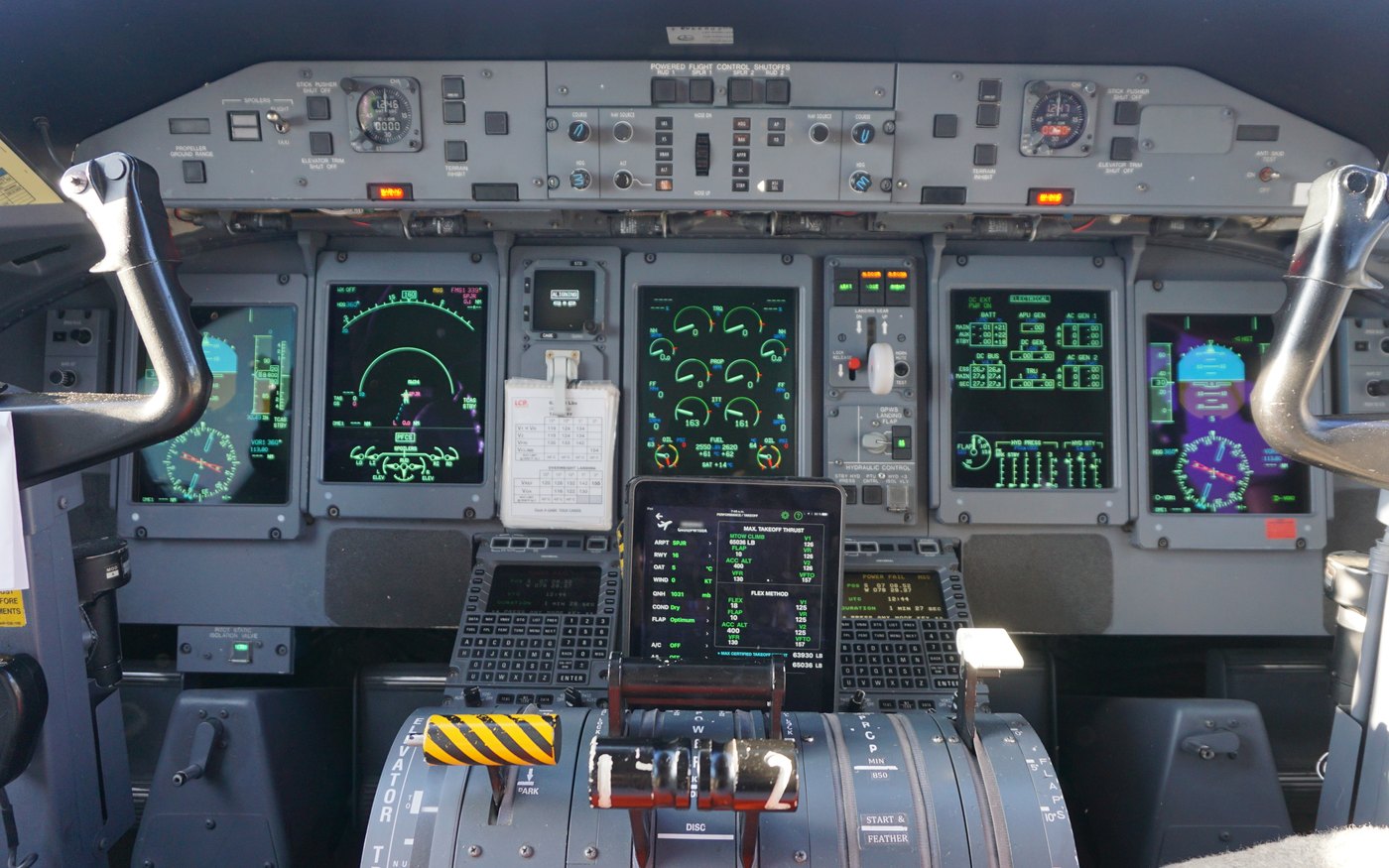
Modules
Most vendors split performance, weight & balance, the QRH, the manuals and the deviation lists across separate apps — sometimes from separate companies, each with its own login and its own revision cycle. In eLila they are one app, on one iPad, computed on the device.
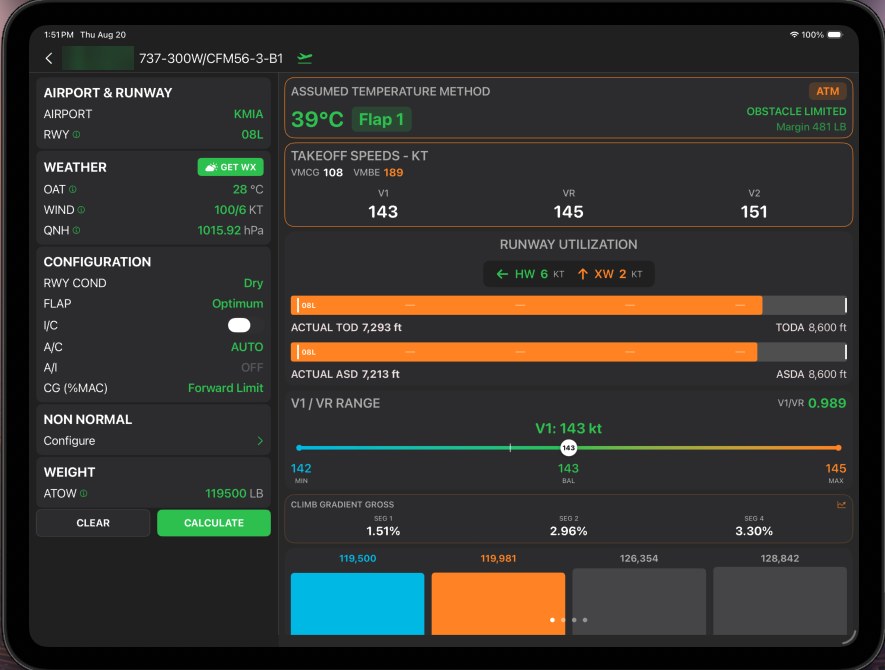
V1, VR and V2 with the governing limit named — obstacle, climb, field or tyre. Assumed temperature as its own certified pass, runway utilisation against TODA and ASDA, and the gross climb gradient by segment.
See takeoff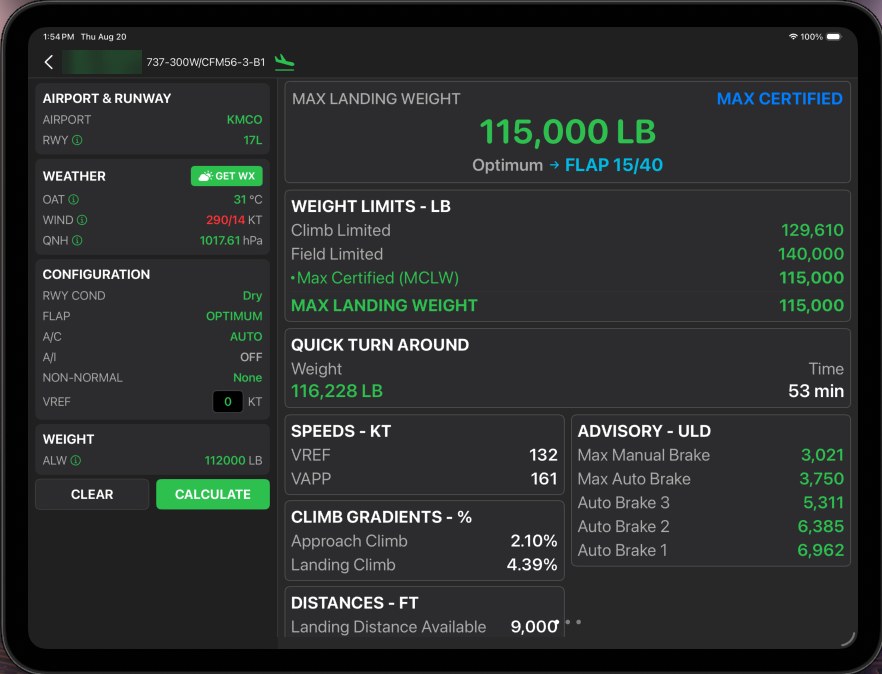
Maximum landing weight with climb-, field- and certified limits side by side, VREF and VAPP, required against available distance, quick-turnaround weight and time, and unfactored advisory distances by autobrake setting.
See landing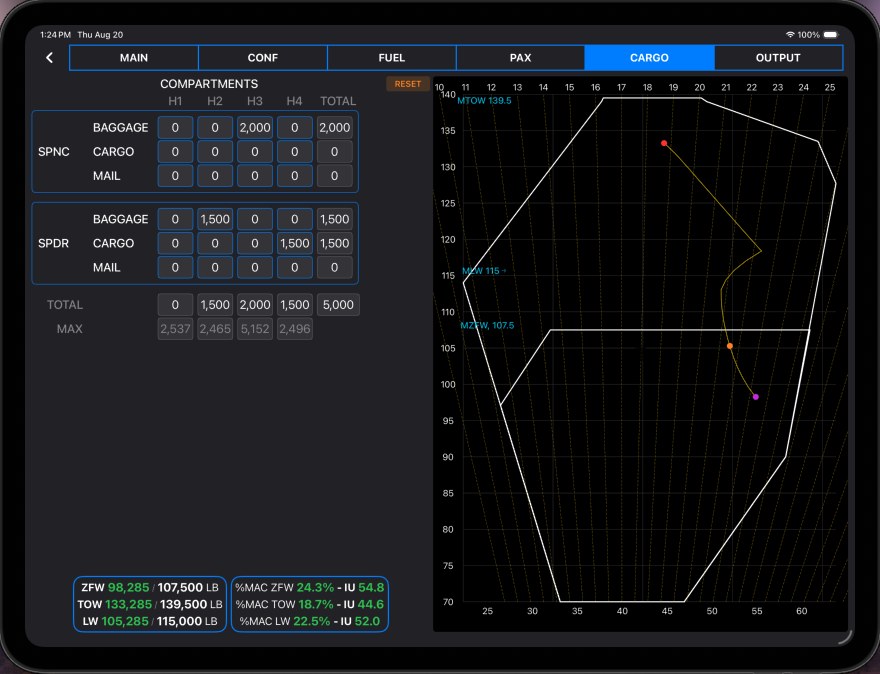
Cargo, baggage and mail by hold against each compartment’s maximum, with ZFW, TOW and LW plotted live on the certified CG envelope — %MAC and index for each, closed out as a real loadsheet, signed and sent from the device.
See weight & balance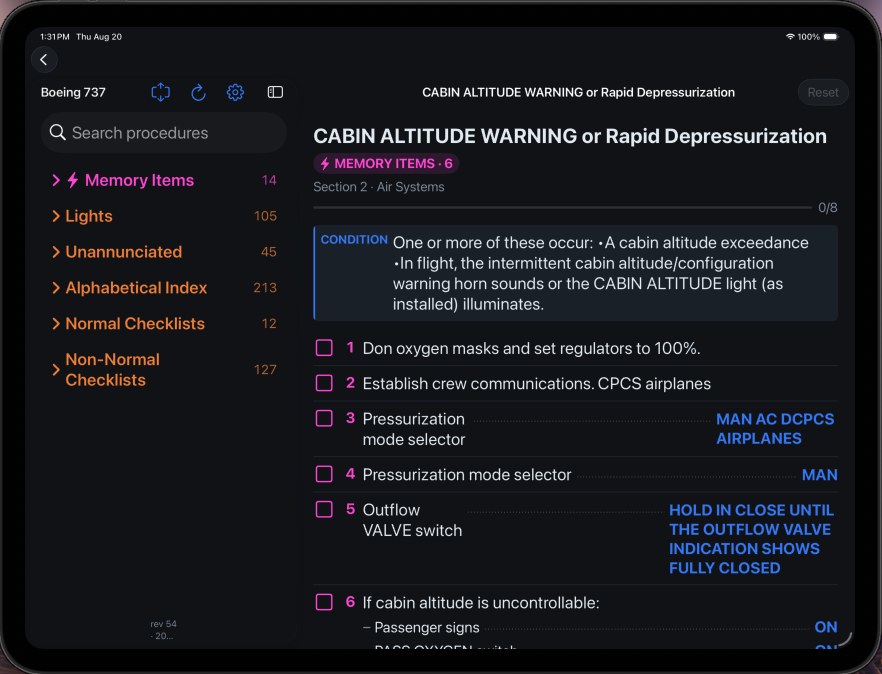
Your operator's own QRH revision as a procedure engine: memory items, normal and non-normal checklists, alphabetical index and unannunciated items — with conditions and step responses laid out the way the procedure intends.
See eQRH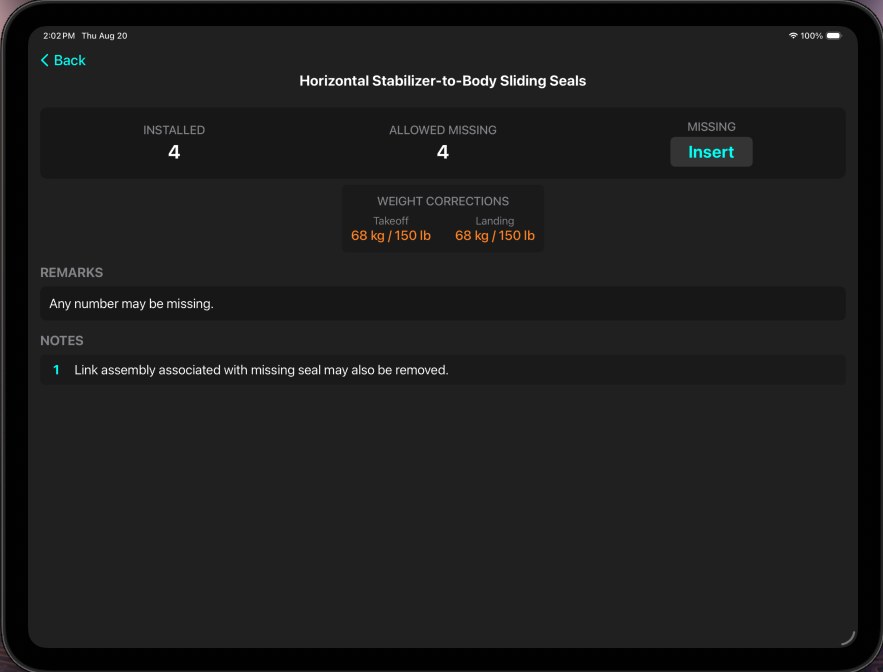
Each item with what is installed, what may be missing and what it costs you — the takeoff and landing weight corrections applied, with the remarks and notes that govern them kept whole.
See MEL / CDL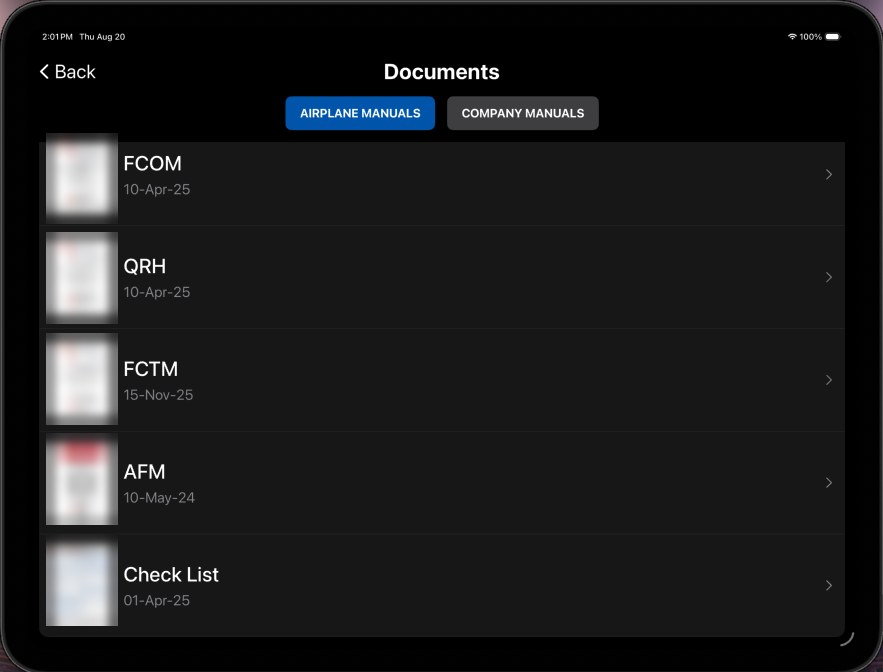
Airplane manuals and company manuals in one library — FCOM, QRH, FCTM, AFM and checklists — each carrying its revision date, delivered centrally so every device in the fleet holds the current issue.
See documents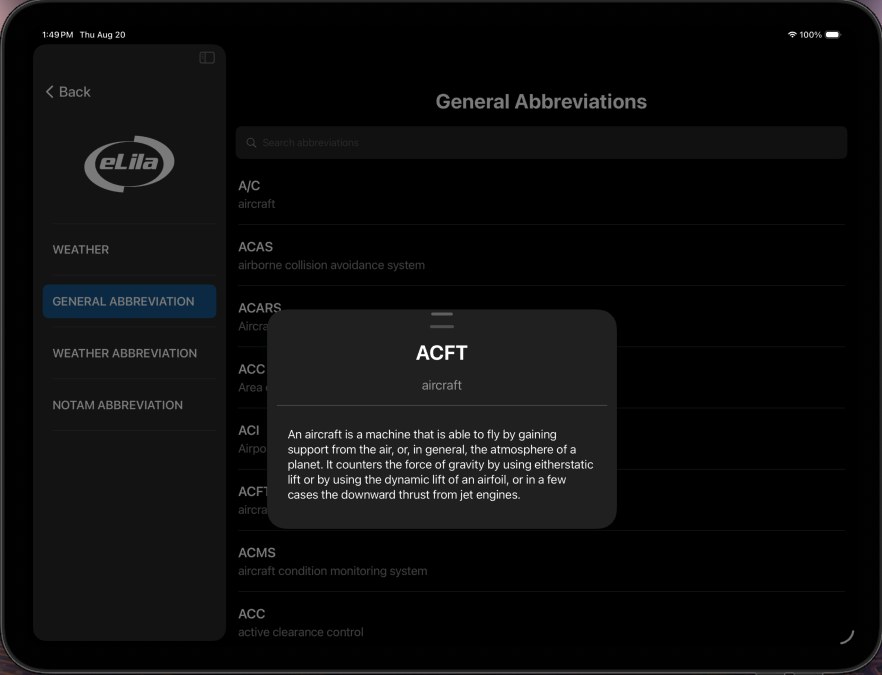
Weather at the fingertip plus the references a crew reaches for while briefing: general, weather and NOTAM abbreviations, searchable and expanded in full rather than left as a code to guess at.
See toolsWhat is underneath
When the operator already holds the manufacturer’s own SCAP module, we mount it as it is. When there is none to mount, we build the module ourselves.
Either way it is proven before it flies: around 60,000 values evaluated across every condition the module admits — the safety standard a calculation like this one demands.
If your aircraft carry a paper AFM, this is how we do it. How we build a performance database
Takeoff
When the takeoff is not field-length limited, V1 is not one number but a range — bounded by VMCG and VMBE, wherever performance allows. eLila EFB lets the crew move within that range and watch the go and no-go runway used change as they do.
Takeoff & Landing
For takeoff and landing alike, eLila downloads the hour’s METAR and fills in temperature, wind and QNH on its own — nothing to type, nothing to transcribe wrong.
Nothing is locked in, either: the crew can enter the weather by hand, or edit what was downloaded, whenever the situation calls for it.
Takeoff
eLila EFB draws the gross and net climb profiles segment by segment, with the distance flown and the height reached at each one, and plots the reported obstacles against them.
Landing
Maximum landing weight with the governing limit named, VREF and VAPP, quick-turnaround weight and time, and the required distance against what is available.
The crew switches between the required landing distance and each advisory autobrake setting, and watches the runway margin move with it.
Takeoff & Landing
eLila’s web administration system carries a module that lets the administrators the operator nominates watch every result the app produces — who ran it, on which device, and the figures that matter to the operation.
If a calculation goes wrong, it raises a notification naming the error.
Weight & Balance
Once the loadsheet is signed, eLila sends it on by itself to whichever stations the operator has nominated.
The module is also linked to Fulcrum, the web system where dispatchers work out the loadsheet on the ground. It arrives on the iPad for the crew to open, review and amend — so the figures are settled on board rather than handled as last-minute changes.
eQRH
Your operator's own QRH revision, parsed into structured procedures the app can actually run.
Also on board
The minimum equipment and configuration deviation lists as searchable, structured items — with the operational and maintenance provisions attached to each.
Your manuals on board as indexed PDFs, delivered and revised centrally so every device carries the current revision.
METAR and TAF at the fingertip, decoded, plus a NOTAM abbreviation reference and the unit conversions a crew reaches for while briefing.
Performance results and loadsheets exported as PDF and dispatched by email from the device.
Fleet coverage
The types flying with eLila EFB right now, each on its own certified performance database.
Any other type, on request. eLila computes from your aircraft's certified performance database — not from hardcoded tables — so a new type is a data exercise, not a new app. Send us your performance database and we integrate it; if you do not have one, we build it from your AFM.
At a glance
Send us a type, a registration and a runway. We will run it through the same engine your crew would use and show you the output.